Advertisements
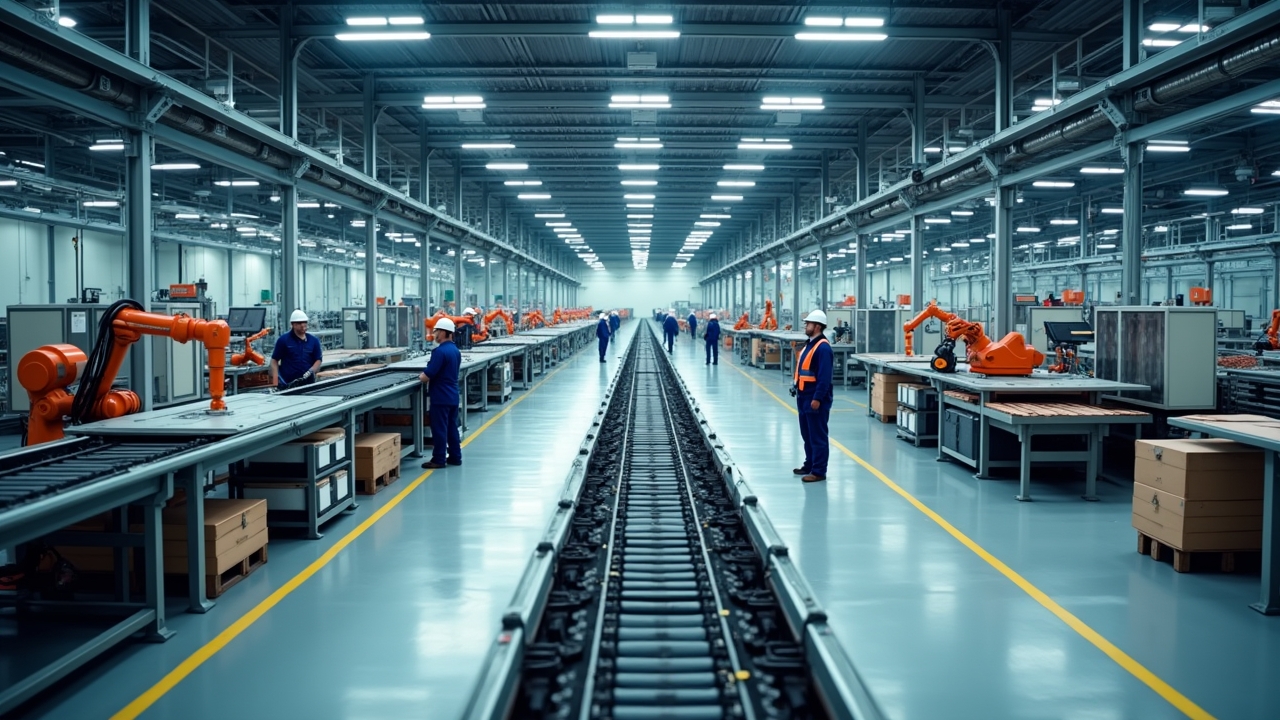
Okay, real talk for a second: did you know that nearly 50% of manufacturers say their ERP system is critical to daily operations, yet a huge chunk of them still don’t understand half the modules they’re paying for? Yeah, I was one of those people once! When I first got tossed into a manufacturing ERP implementation project (way before I knew what I was doing), I thought “modules” just meant fancy tabs on a screen. Boy, was I wrong, and honestly, this stuff matters a LOT if you’re trying to run a shop floor without losing your mind.
So let’s break down manufacturing ERP modules, the real way, not the boring textbook way. I’m gonna walk you through what I learned the hard way, including a few facepalm moments.
What Even Is an ERP Module, Anyway?
Think of your ERP system like a toolbox. Each module is a different tool that handles a specific job. My buddy who runs a small metal fabrication shop once told me, “I just want ONE system that does everything,” and I laughed because that’s kind of the whole point of ERP software in the first place.
Modules are basically specialized chunks of software that plug into your core ERP. They talk to each other, share data, and (when set up right) make your life way easier. When they’re set up wrong, though? Total nightmare. Trust me on this one.
Advertisements
The Core Manufacturing ERP Modules You Need to Know
Production Planning and Scheduling
This one’s the heartbeat of manufacturing operations. It helps you figure out what to produce, when, and how much. I remember the first time I saw a production schedule get automatically adjusted because of a material shortage. My jaw literally dropped.
- Tracks work orders and production timelines
- Balances machine capacity with demand
- Reduces bottlenecks (if you configure it right, which took me forever to figure out)
Inventory Management
This is probably my favorite module, mostly because I’ve made every mistake imaginable here. Inventory management modules track raw materials, work-in-progress, and finished goods. If you’re not syncing this with your just-in-time inventory strategy, you’re basically flying blind.
One time, early in my career, we had a warehouse full of parts nobody remembered ordering. Turns out, the reorder points were never set up properly. Lesson learned, folks: always double-check your reorder thresholds.
Bill of Materials (BOM) Management
The BOM module is basically your recipe book. It tells the system exactly what components go into a finished product. Miss one screw or wire on the list, and suddenly production halts because someone forgot to order a $2 part. It’s happened. More than once.
Quality Management
This module tracks inspections, defects, and compliance standards. Honestly, this is where things get serious, especially if you’re in industries like aerospace or medical devices where ISO 9001 standards aren’t optional.
- Logs quality checks at every production stage
- Flags non-conforming products before they ship
- Helps with audits (which, trust me, you want to be ready for)
Supply Chain Management
This module connects your suppliers, purchasing, and logistics all in one place. When it’s working well, you barely notice it. When it’s broken, everything backs up like a bad traffic jam on a Friday afternoon.
Financial Management
Yep, even manufacturing ERPs need accounting modules. This handles cost tracking, invoicing, and general ledger stuff. It’s not glamorous, but it’s the backbone that keeps the whole operation financially sound.
Human Resources and Workforce Management
Some ERP systems bundle in HR modules too, covering scheduling, payroll, and even training records. Not every manufacturer needs this bundled in, but for bigger operations, it’s a lifesaver.
Why Understanding These Modules Actually Matters
Here’s the thing: you don’t need every module. I’ve seen small manufacturers overspend on ERP systems because a slick salesperson convinced them they needed the “premium bundle.” Don’t fall for that.
Instead, sit down and map out your actual pain points. Are you struggling with inventory accuracy? Start there. Is quality control your biggest headache? Prioritize that module first. Building out your ERP piece by piece, based on real needs, saves money and prevents the “too many cooks in the kitchen” chaos.
A Few Practical Tips From Someone Who’s Been There
- Always pilot test a module before rolling it out company-wide
- Get your shop floor team involved early, they’ll spot issues you won’t
- Document everything (I cannot stress this enough)
- Don’t rush training, half of ERP failures come from bad user adoption
Honestly, ERP modules can feel overwhelming at first, kind of like learning to drive stick shift. But once it clicks, you’ll wonder how you ever ran production without it.
Wrapping This Up (With a Little Reminder)
Manufacturing ERP modules aren’t one-size-fits-all, and that’s actually a good thing! You get to customize your system based on what your business truly needs, not what some generic checklist says you should have. Just remember to keep data security and compliance requirements in mind as you build out your system, especially if you’re handling sensitive customer or production data.
If you found this helpful, you’ll probably enjoy digging through more practical guides over at the Inventory North blog. There’s a ton of real-world advice over there that goes beyond the textbook definitions, kind of like this article did. Go check it out, you might just save yourself from making the same mistakes I did!