Advertisements
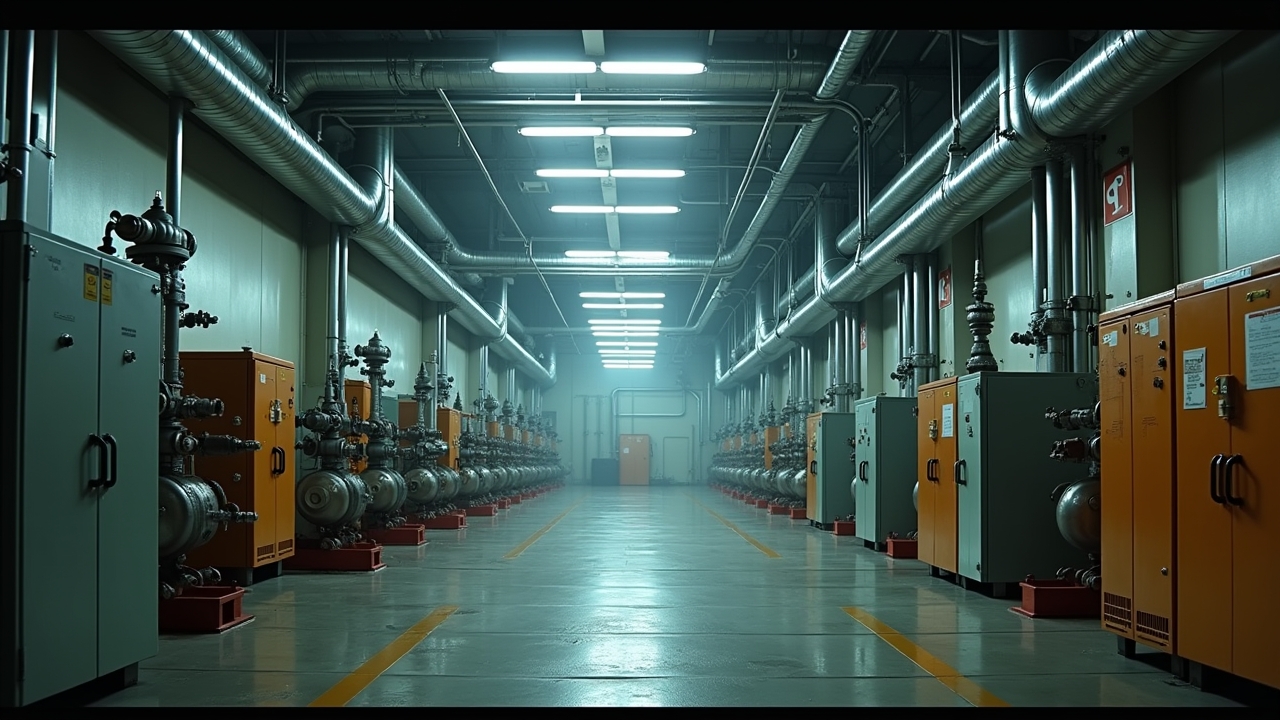
Did you know unplanned downtime costs manufacturers an estimated $50 billion a year? I read that stat a while back and honestly, it made my stomach drop a little. I’ve been in maintenance and operations long enough to know that number isn’t some abstract figure—it’s real machines breaking down at the worst possible moment, real teams scrambling, real money burning. That’s why I get genuinely excited talking about CMMS preventive maintenance!
If you’re not familiar, CMMS stands for Computerized Maintenance Management System. Pair that with a solid preventive maintenance strategy, and you’ve got a combo that can save your facility from a world of headaches. I’ve seen it work. I’ve also seen it fail miserably when done wrong, and trust me, I learned some of these lessons the hard way.
My First Brush With CMMS (And Why I Almost Gave Up On It)
Years ago, at a plant I was helping manage, we rolled out a CMMS platform with zero real plan. We just kinda dumped equipment data into it and hoped for the best. Big mistake. The system spit out so many maintenance alerts that my team started ignoring them completely, which defeats the entire purpose.
It took me embarrassingly long to realize the problem wasn’t the software. It was us. We hadn’t set up proper maintenance schedules based on actual equipment needs, we just guessed. Once we sat down and actually mapped out failure histories and manufacturer recommendations (similar to what Reliable Plant talks about in their PM guides), everything changed.
Advertisements
What Preventive Maintenance in a CMMS Actually Looks Like
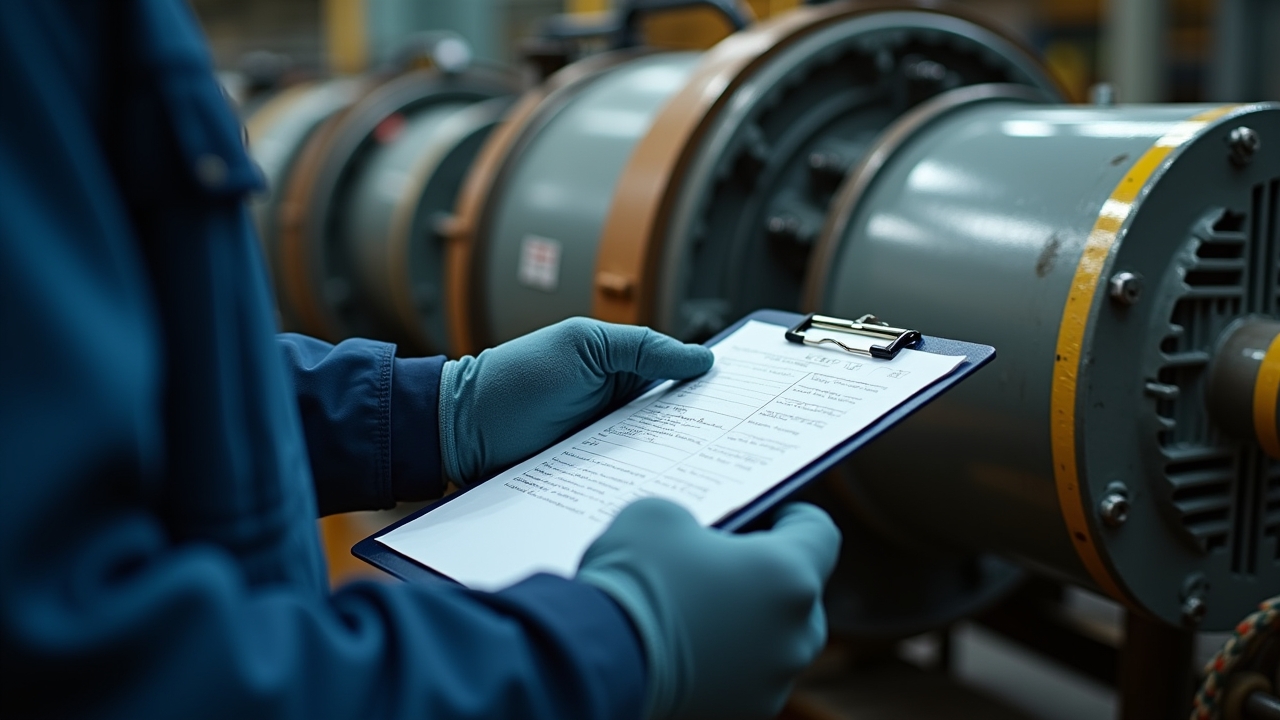
Preventive maintenance, at its core, means fixing stuff before it breaks. Sounds simple, right? A CMMS just automates and organizes that process so you’re not relying on sticky notes or somebody’s memory (guilty as charged, by the way).
- Scheduled inspections based on time or usage triggers
- Automated work orders sent to technicians
- Historical tracking of parts, labor, and downtime
- Alerts before equipment hits critical failure points
Once we got our system dialed in, our unplanned downtime dropped by almost 30% within six months. That felt like a genuine triumph after months of frustration. I remember high-fiving our maintenance supervisor in the break room like we’d won a championship game.
The Setup Actually Matters More Than the Software
Here’s a tangent for you: everybody obsesses over which CMMS platform is “the best.” Honestly? The platform matters way less than how you configure it. I’ve used clunky old systems that worked great because the data was clean and the schedules were realistic. I’ve also seen shiny new tools flop because nobody bothered inputting accurate asset info.
Start with your critical assets first. Don’t try to boil the ocean. Pick the equipment that would hurt the most if it failed, and build your preventive maintenance schedules around that.
Common Mistakes I’ve Made (So You Don’t Have To)
Let me be real with you for a second. I once set maintenance intervals purely based on manufacturer manuals without adjusting for our actual operating conditions. Our equipment ran way harder than the “standard” use case the manual assumed, so parts failed sooner than scheduled anyway. Oof.
- Not adjusting PM schedules based on real-world usage
- Overloading technicians with too many low-priority tasks
- Ignoring feedback from the floor techs who actually run the machines
- Failing to review and refine PM plans regularly
The Occupational Safety and Health Administration (OSHA) also emphasizes that proper maintenance isn’t just about efficiency, it’s a safety issue too. Skipping PM checks can literally put people at risk, and that’s not something to mess around with.
Tips That Actually Helped My Team Succeed
After a few rounds of trial and error (mostly error, ngl), here’s what worked for us long term.
- Involve technicians in building PM schedules, they know the equipment quirks better than anyone
- Start small with a pilot group of assets before scaling company-wide
- Review completed work orders monthly to spot patterns
- Use your CMMS reporting features to track mean time between failures (MTBF)
One thing that really turned things around was setting a monthly “PM review” meeting. Just fifteen minutes, nothing fancy. We’d look at what worked, what didn’t, and tweak from there. It became one of the most valuable habits our team built.
Don’t Forget the Human Side of It
A CMMS is just a tool, it don’t fix culture problems. If your team doesn’t trust the system or feels like it’s just extra busywork, adoption will tank. Communication and training matter just as much as the software itself, maybe even more.
So here’s the thing—preventive maintenance through a CMMS isn’t magic, but it sure feels like it once it’s dialed in right. It takes patience, some trial and error, and a willingness to adjust as you learn what your equipment actually needs versus what the manual says. Every facility is different, so take these tips and mold them to fit your specific operation instead of copying someone else’s playbook exactly.
And please, don’t skip the safety piece of this. A well-maintained machine isn’t just about saving money, it’s about keeping your people safe too. If you found this helpful, swing by the Inventory North blog for more real-world tips on maintenance, inventory management, and keeping your operations running smoothly. There’s a lot more where this came from!