
Advertisements
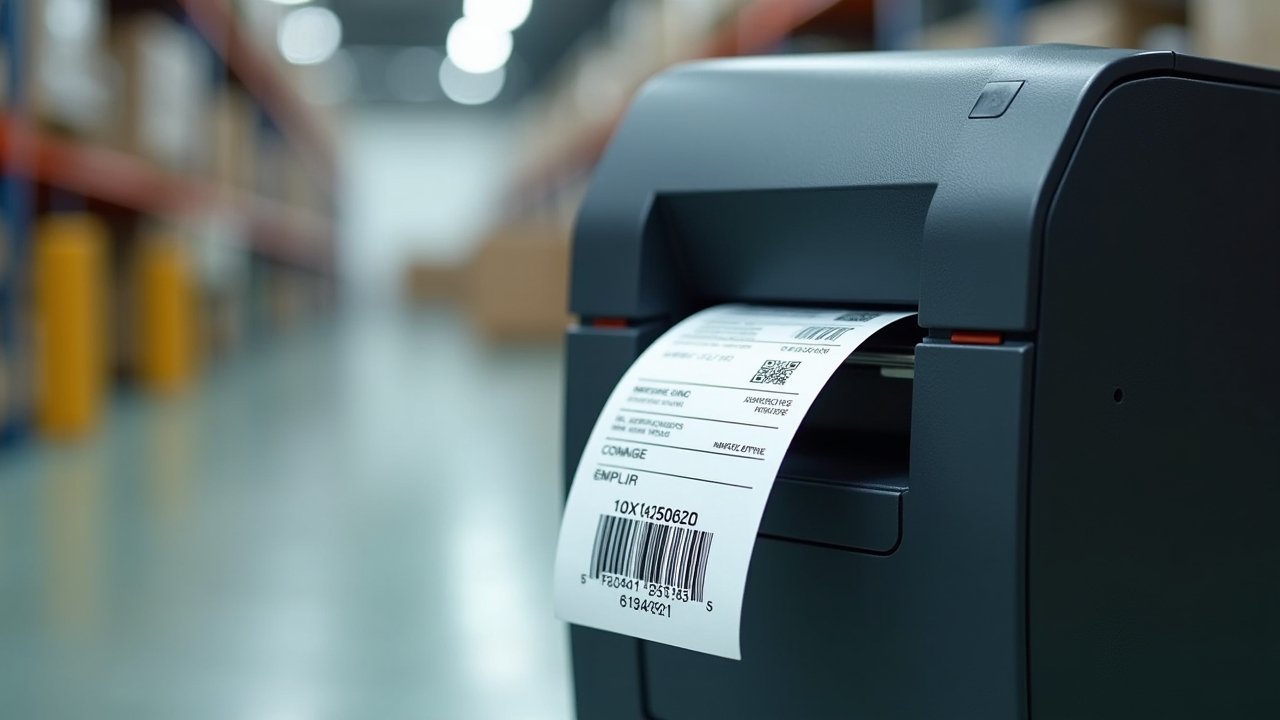
Did you know that businesses using barcode systems reduce data entry errors by up to 99%? I read that stat years ago and honestly thought it was some marketing fluff. Turns out, it’s pretty darn accurate! Setting up a barcode system in your warehouse can feel overwhelming at first, but trust me, it’s one of the best operational decisions you’ll ever make.
I’ve helped set up a few of these systems over the years (some went smoothly, others… not so much), and I want to walk you through what actually works.
Why I Almost Gave Up on My First Barcode Setup
So here’s a confession. My first attempt at setting up a barcode system was a disaster. I bought the cheapest scanner I could find on Amazon, didn’t research compatible software, and basically just winged it. Big mistake.
Three days in, the scanner wasn’t syncing with our inventory spreadsheet at all. I was frustrated, my boss was asking questions, and I felt like an idiot. Lesson learned: you gotta plan this stuff out before you spend a dime.
Advertisements
Start With Your Inventory Management Software
Before you even think about scanners or labels, figure out what inventory management system you’re gonna use. This is the backbone of everything else. Popular options like Fishbowl or Zoho Inventory integrate really well with barcode scanning hardware.
Here’s what you should look for:
- Compatibility with barcode scanners and label printers
- Cloud-based access so multiple team members can update data in real time
- Reporting features for tracking stock levels and reorder points
- Scalability, because your warehouse probably won’t stay the same size forever
I switched to a cloud-based system after my failed first attempt, and it was night and day. Everything just clicked into place once the software was right.
Choosing the Right Barcode Type (This Trips People Up)
Not all barcodes are created equal, y’all. There’s Code 128, UPC, QR codes, and a bunch of others. For warehouse inventory, most folks go with Code 128 because it’s compact and holds a lot of data.
QR codes are great too, especially if you want to link to more detailed product info. I personally prefer Code 128 for shelf labels since scanners read them super fast, even from a distance.
One tangent here: don’t overthink this part. I spent way too long agonizing over barcode types when honestly, most modern scanners read multiple formats anyway.
Picking Hardware That Won’t Let You Down
This is where I went wrong the first time. Cheap scanners break, freeze up, or just don’t scan accurately in warehouse lighting conditions. Invest in decent equipment from the start.
You’ll need:
- Barcode scanners (handheld or wireless, depending on your warehouse layout)
- A reliable label printer, like those from Zebra
- Durable labels that can withstand moisture, dust, and rough handling
- Mobile devices or tablets if your team needs on-the-go access
My second attempt at this used a Zebra scanner and printer combo, and it was such a relief. No more constant misreads or dropped connections. Worth every penny.
Mapping Out Your Warehouse Before You Label Anything
Here’s something people skip and shouldn’t: mapping your warehouse layout first. You need a logical system for zones, aisles, shelves, and bins before slapping barcodes on everything.
I made the mistake of labeling products before organizing the physical space properly. We ended up re-labeling half the warehouse a month later. Ugh, what a headache that was.
Take time to:
- Divide your warehouse into clear zones or sections
- Assign unique codes to each shelf and bin location
- Create a numbering system that makes intuitive sense to your team
Training Your Team (Don’t Skip This Part!)
Even the best barcode system fails if your team doesn’t know how to use it properly. I’ve seen this happen more than once. Everyone’s excited about the new tech, then three weeks later half the staff is back to writing things down on paper.
Spend real time training people. Show them how to scan properly, troubleshoot common errors, and understand why accuracy matters. It also helps to designate one or two “barcode champions” who can answer questions when you’re not around.
Testing and Troubleshooting Before Going Live
Run a pilot test with a small section of your inventory before rolling the system out warehouse-wide. This saved me so much stress during my third setup attempt (yeah, third time’s the charm apparently).
Check for:
- Scanning accuracy across different lighting conditions
- Software syncing properly with your inventory database
- Label durability after a few days of handling
Fixing small issues during testing beats discovering them mid-shipment when a customer’s waiting on their order.
Wrapping This All Up
Setting up a barcode system for your warehouse takes patience, some trial and error, and a willingness to learn from mistakes (trust me, I made plenty). But once it’s running smoothly, you’ll wonder how you ever managed inventory without it.
Every warehouse is different, so feel free to adjust these steps based on your specific needs, team size, and budget. And please, always prioritize accurate data entry and proper training to avoid costly errors down the line.
If you found this helpful, swing by the Inventory North blog for more practical tips on warehouse management, inventory tracking, and all things logistics. There’s a ton of good stuff over there!