
Advertisements
Did you know that businesses lose an average of 15% of their asset value every year just from poor tracking? I read that stat a few years back and honestly, it hit close to home! I used to run operations for a mid-sized warehouse, and let me tell you, before we got our act together with proper asset management software tracking, we were basically throwing money into a black hole. If you’ve ever spent an entire afternoon searching for a missing piece of equipment that was “definitely right here yesterday,” you know exactly what I’m talking about.
Why I Learned About Asset Tracking the Hard Way
So here’s my embarrassing story. Back in 2019, we had this brand new forklift, cost us a pretty penny, and it just… vanished. Turns out it had been moved to another site for a project and nobody logged it anywhere. We spent three days and probably a thousand dollars in wasted labor hours trying to track it down. Three days! For something that should’ve taken thirty seconds with the right system in place.
That whole fiasco is what pushed me to actually research asset management tools instead of just relying on spreadsheets and sticky notes. I’m not proud of how long we winged it, but hey, we learn eventually, right?
What Asset Management Software Tracking Actually Does
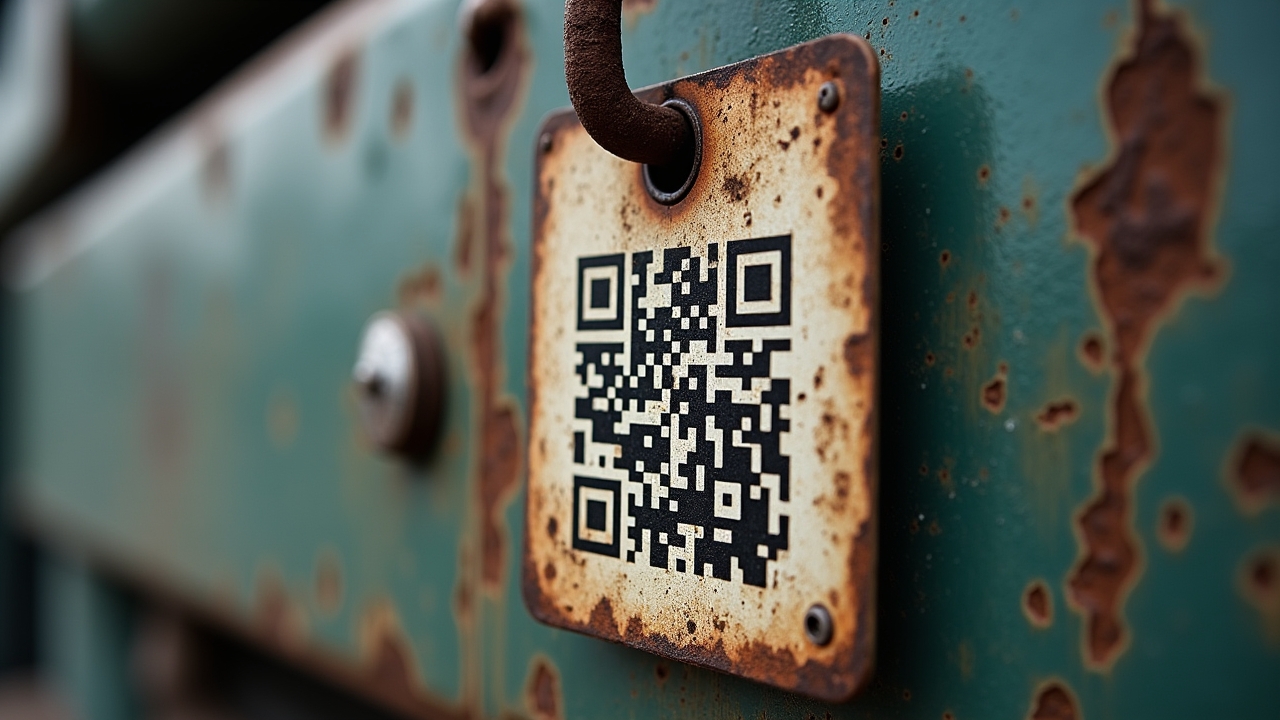
In plain terms, this kind of software helps you know where your stuff is, who has it, and what condition it’s in. It’s not rocket science, but the impact is massive. Most systems use barcodes, QR codes, or RFID tags to keep tabs on equipment, tools, vehicles, or inventory in real time.
Advertisements
- Real-time location tracking so you’re not guessing anymore
- Maintenance scheduling that actually reminds you before something breaks
- Depreciation tracking for accounting purposes (your finance team will love you)
- Custom reports that show usage patterns over time
- Alerts for when assets are overdue for return or inspection
I gotta admit, when we first implemented ours, I was skeptical it’d actually get used by the team. Turns out once people saw how much time it saved, they were the ones asking for more features. Funny how that works.
Picking the Right Software (Without Losing Your Mind)
There’s a ton of options out there, and honestly it can feel overwhelming. We tried two different platforms before landing on one that actually fit our workflow. My biggest piece of advice? Don’t just go with the flashiest interface or the cheapest price tag.
Think about what you’re actually tracking. Tools? Vehicles? IT equipment? Each has different needs. A good resource for comparing options is G2’s asset tracking category, which has real user reviews that saved me from making another costly mistake.
Questions I Wish I’d Asked Sooner
- Does it integrate with our existing inventory system?
- Can multiple team members access it from mobile devices?
- What’s the learning curve like for non-tech-savvy staff?
- Is customer support actually responsive (this matters more than you’d think)?
We ended up choosing based on ease of use over fancy features, and honestly? Best decision we made. Sometimes simpler really is better, ya know?
The Triumph: What Changed After We Switched
Okay so here’s the good part. Within about two months of properly using our tracking software, we cut equipment loss by nearly 40%. Forty percent! That number still blows my mind when I think about it. Maintenance became proactive instead of reactive too, which meant fewer emergency repairs and way less downtime.
I won’t lie, there was a rocky adjustment period. Some of the older guys on the team hated scanning barcodes at first, grumbled about it constantly. But once they realized it meant less time filling out paperwork and more time actually working, the complaints died down pretty quick.
Common Mistakes People Make (I Made Most of Them)
Let’s be real, implementing new software is never perfectly smooth. Here’s what tripped us up along the way, so hopefully you can skip these headaches.
- Not training staff properly before rollout (huge mistake, do this first)
- Trying to track everything at once instead of starting small
- Ignoring the mobile app capabilities, which turned out to be a lifesaver in the field
- Underestimating how important accurate initial data entry is
That last one really got us. We rushed the initial inventory upload and ended up with duplicate entries everywhere. Took weeks to clean up. Slow down and do it right the first time, trust me on this one.
Making It Work Long-Term
Software alone won’t fix your asset problems, it’s really about building habits around it. We started doing quarterly audits alongside the software’s automated tracking, just to double-check accuracy. This combo approach has worked wonders for us, and according to Gartner’s research on IT asset management, regular audits paired with digital tracking tools are considered best practice across industries.
Also, don’t be afraid to customize the software to fit your specific business needs. What works for a construction company won’t necessarily work for a retail operation, and that’s totally fine!
Asset management software tracking isn’t just some trendy tech buzzword, it genuinely transforms how businesses operate day to day. Take what worked for me and adjust it to fit your own situation, because every business has its own quirks and challenges. Just remember to keep data security in mind too, since you’re often tracking sensitive location and ownership information. If you found this helpful and want more practical tips on running a tighter operation, swing by the Inventory North blog for more posts like this one!