Advertisements
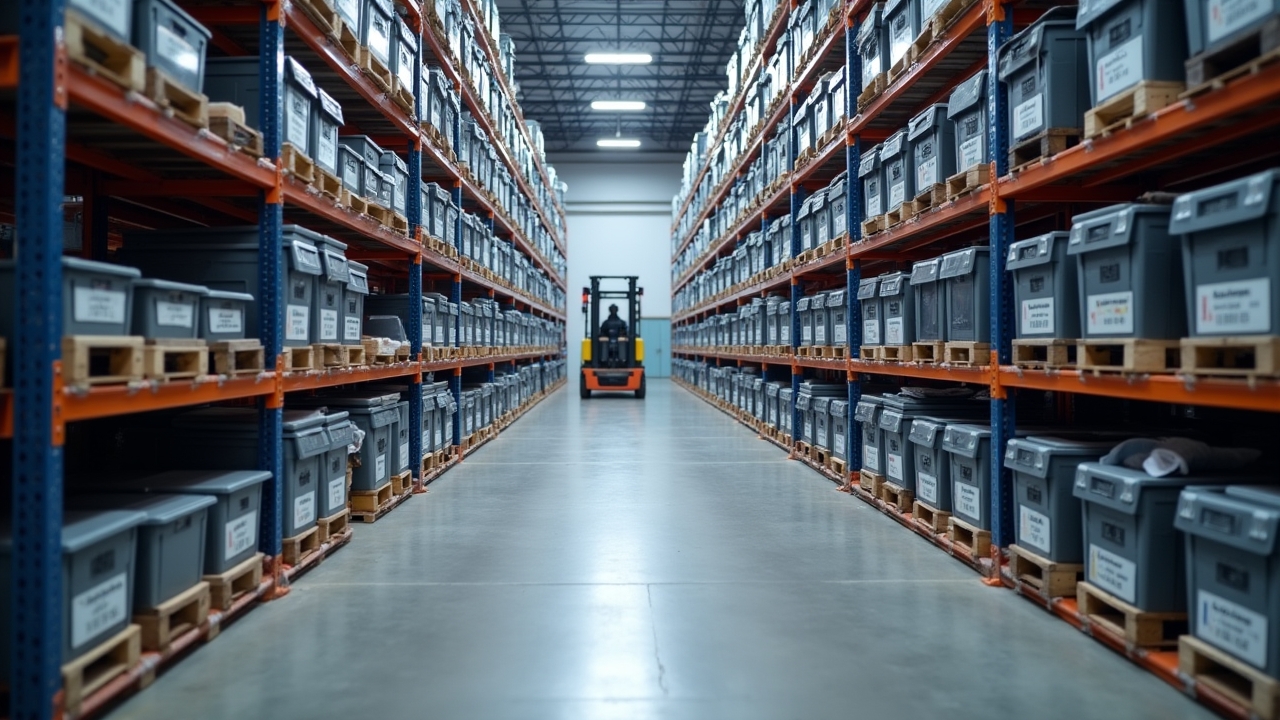
Did you know that stockouts cost retailers over a trillion dollars globally every single year? I about fell out of my chair when I first read that stat. Seriously! As someone who’s spent way too many late nights staring at spreadsheets trying to figure out why we ran out of our best-selling product AGAIN, I feel this in my bones.
Inventory software stockouts aren’t just annoying, they’re a business killer. They cost you sales, tick off your customers, and honestly, they make you look disorganized even when you’re not. Let’s talk about why this happens and what you can actually do about it.
My First Stockout Disaster (And What I Learned)
I’ll never forget the time I was managing inventory for a small home goods store. We had this candle that was flying off the shelves during the holiday season. I got busy dealing with other stuff, and boom, we ran out for two whole weeks during peak buying season.
The worst part? Our inventory software had actually flagged the low stock levels three days before we sold out. I just wasn’t paying attention to the alerts. Lesson learned the hard way, folks.
Advertisements
That experience taught me something crucial: having good software doesn’t matter if you’re not actually using it right. It’s kind of like buying a fancy gym membership and never going. The tool is only as good as the habits you build around it.
Why Stockouts Keep Happening Even With Good Software
So here’s the thing that took me forever to figure out. Most businesses think that just installing inventory management software will magically fix everything. It won’t, not by itself anyway.
- Poor demand forecasting (guessing instead of using data)
- Not setting proper reorder points for each product
- Ignoring seasonal trends and sales spikes
- Supplier delays that nobody accounted for
- Data entry errors that throw off your whole count
I’ve made basically every mistake on this list at some point. The reorder point thing especially got me. I set the same threshold for every product, which is honestly kind of dumb when you think about it. A slow-moving item and your bestseller shouldn’t have identical reorder rules.
The Real Cost of Running Out of Stock
Let’s get real for a second about what stockouts actually cost you beyond just the missed sale. Your customer wanted that product NOW, not next week when it’s back in stock. Most of them will just go buy it from your competitor instead.
According to McKinsey’s research on retail operations, businesses that experience frequent stockouts see customer loyalty drop significantly over time. That’s brutal, but it makes total sense when you think about it from the customer’s perspective.
There’s also the hidden cost of your team scrambling around trying to fix things. I’ve spent entire afternoons calling suppliers, checking backup inventory, and basically putting out fires that could’ve been prevented with better planning. That’s time I could’ve spent actually growing the business instead.
Practical Tips That Actually Work
Okay, so after years of trial and error (mostly error, ha), here’s what actually moves the needle when it comes to preventing stockouts.
Set Smart Reorder Points
Don’t just guess at when to reorder. Look at your actual sales velocity for each product and calculate lead times from your suppliers. Your fast movers need different rules than your slow ones, period.
Use Real-Time Tracking
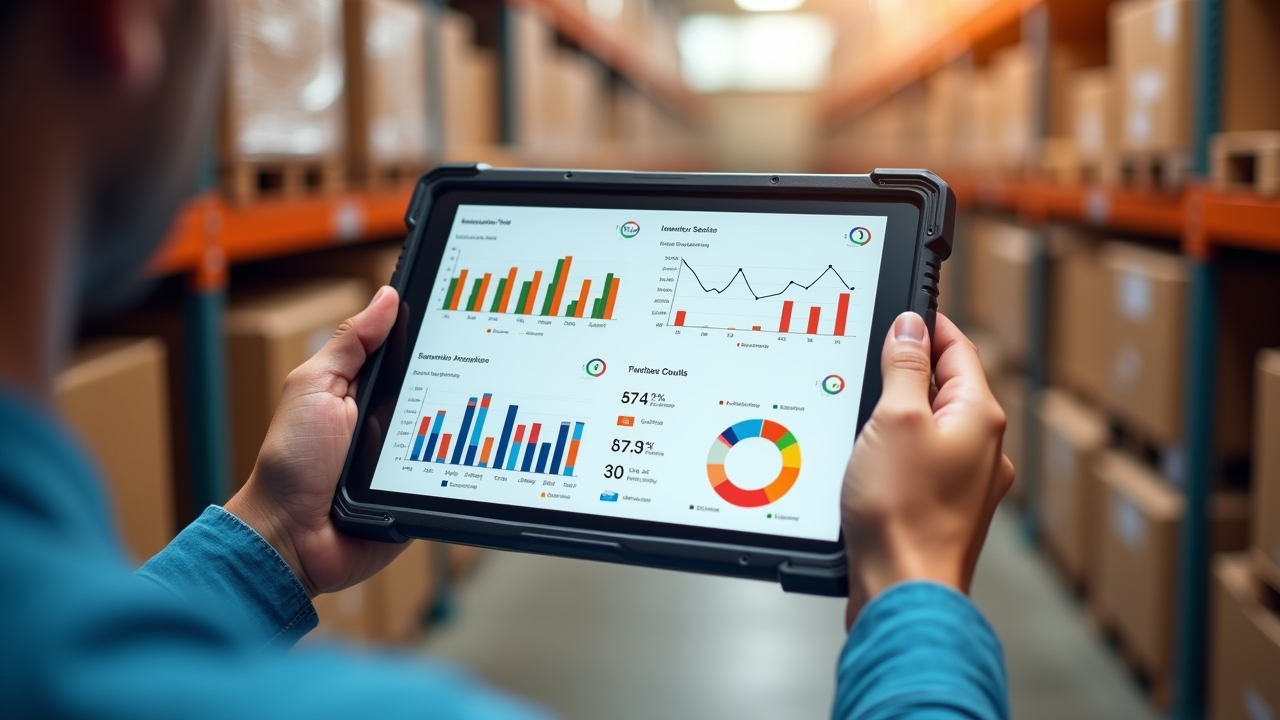
This one seems obvious but you’d be surprised how many businesses still update inventory manually at the end of the day. Real-time inventory software catches problems before they become disasters. Trust me on this one.
Build in Safety Stock
Having a buffer isn’t wasteful, it’s smart. I used to think extra inventory was just tying up cash for no reason, but a little safety stock for your top sellers can save you from those embarrassing “sorry, we’re out” conversations with customers.
Actually Check Your Alerts
I know, I know, this sounds so basic after my candle story. But seriously, whatever notification system your software has, use it religiously. Set a daily or weekly time to review low-stock warnings, don’t just let them pile up in your inbox.
When Tangents Happen (Bear With Me)
Random thought here, but this whole topic reminds me of meal planning. You know how you buy groceries assuming you’ll cook a certain amount, but then life happens and you either run out of ingredients or waste a bunch of food? Inventory management is basically that but with higher stakes and way more spreadsheets involved.
Anyway, back to the point. The businesses that handle stockouts best are the ones that treat inventory management as an ongoing process, not a one-time setup. It’s a living, breathing part of your operations that needs regular attention and tweaking.
Making This Work For Your Business
Look, every business is different, and what worked for my little home goods store might not translate perfectly to your situation. That’s totally fine and expected honestly. Take these tips, tweak them, and figure out what actually fits your product mix and customer base.
The most important thing here is that stockouts, while frustrating and costly, are largely preventable with the right combination of good software and consistent habits. It’s not about being perfect, it’s about being proactive and paying attention to the signals your data is already giving you.
Just remember to keep your safety stock calculations realistic and don’t over-order to the point where you’re drowning in inventory costs either. There’s a balance to strike, and it takes a bit of experimentation to find what works for you.
If you found this helpful, definitely check out more inventory management tips over at the Inventory North blog. There’s a ton of practical advice over there that goes way deeper into specific strategies for different business types, and honestly, it’s saved me from making even more mistakes along the way!